> ## Documentation Index
> Fetch the complete documentation index at: https://docs.peaka.com/llms.txt
> Use this file to discover all available pages before exploring further.
# Create Organization
> Learn how to create an organization in Peaka.
This article explains how you can create an organization in Peaka.
1. Log in to your Peaka account.
2. Click on the "**Create Organization**" button.
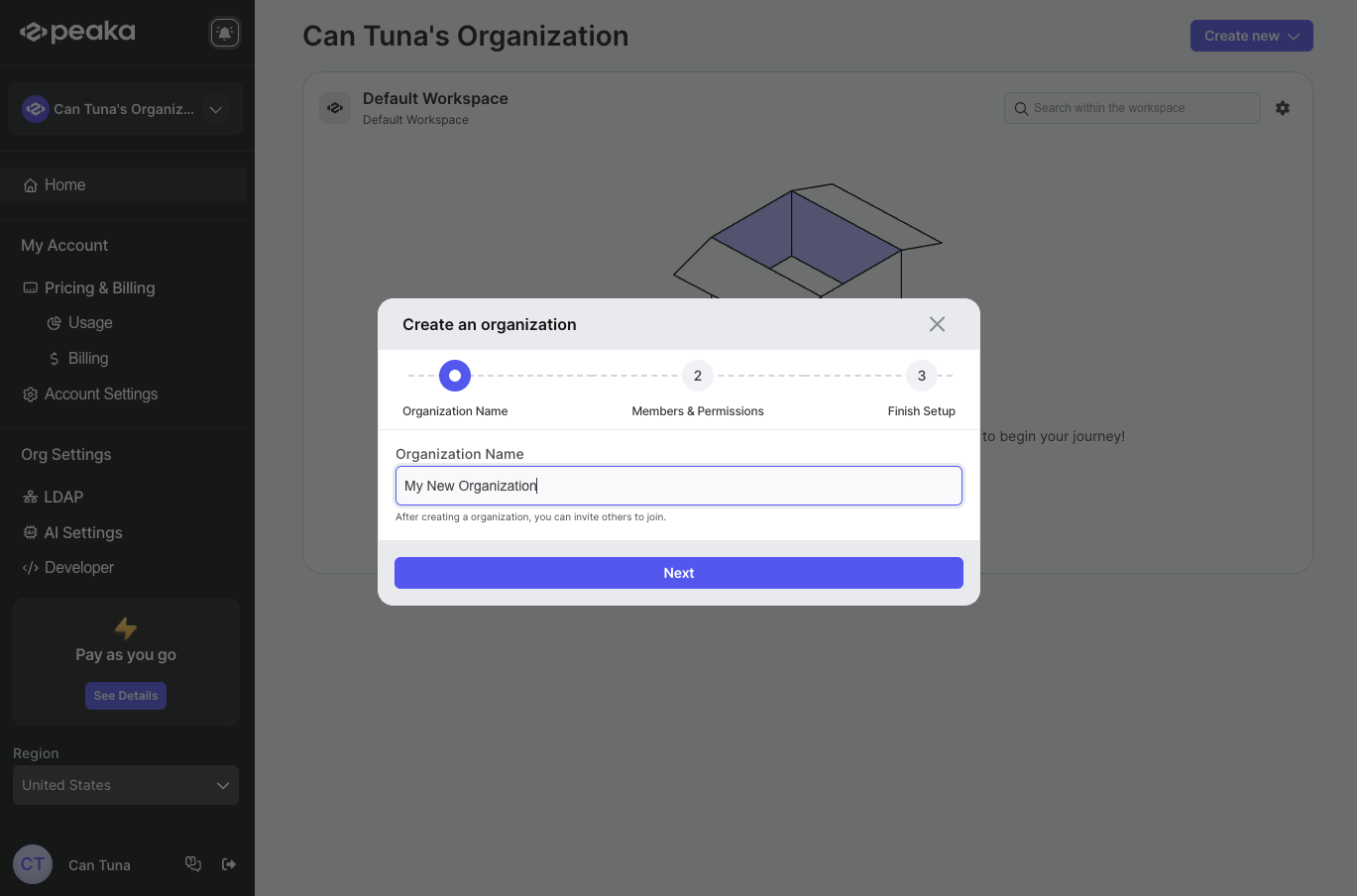
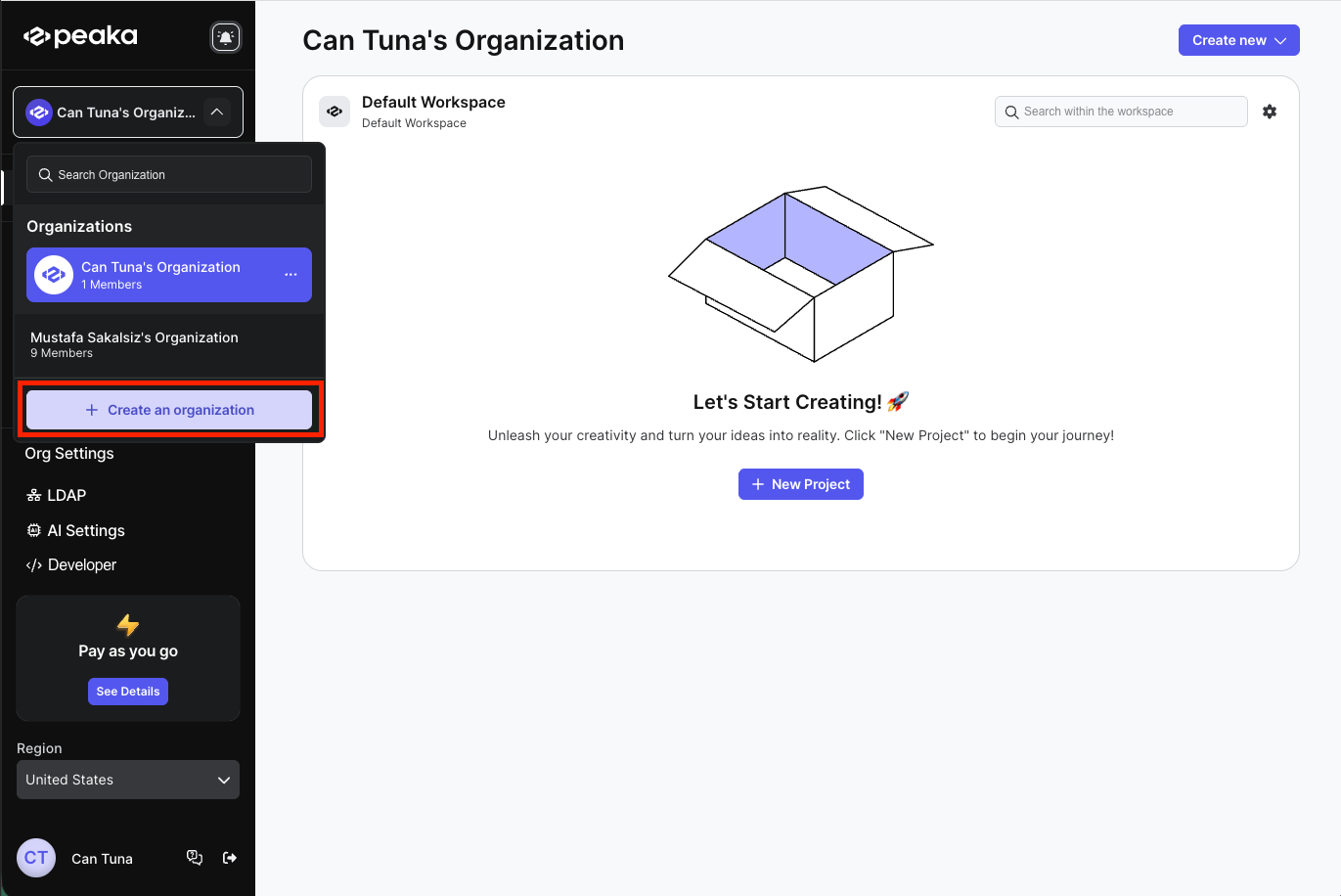 3. Enter organization name and click on the "**Next**" button.
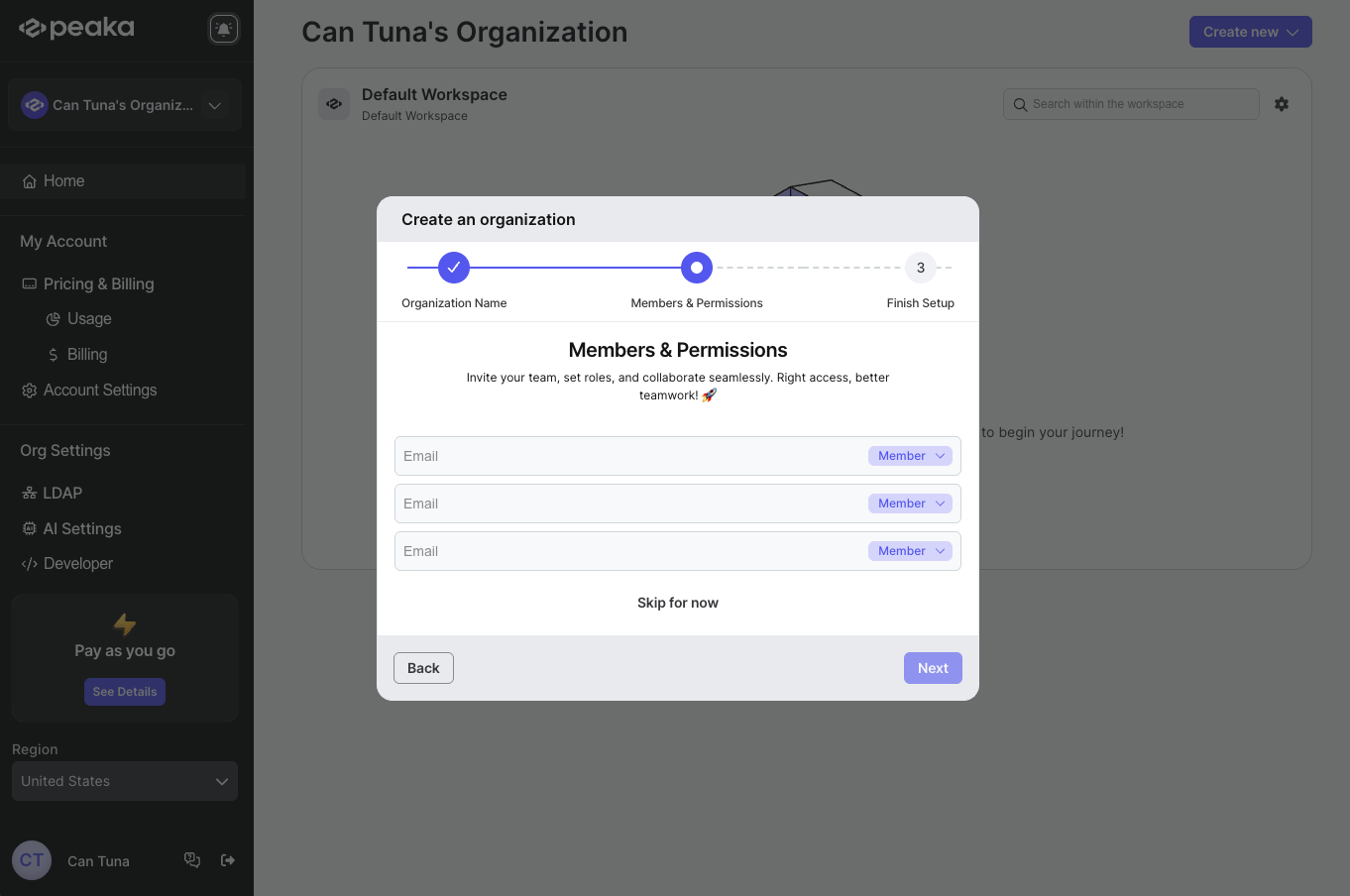
 4. If you want to add members to your organization, enter their email addresses and select their role from the dropdown menu and click on the "**Next**" button. If you don't want to add members, click on the "**Skip for now**" button.
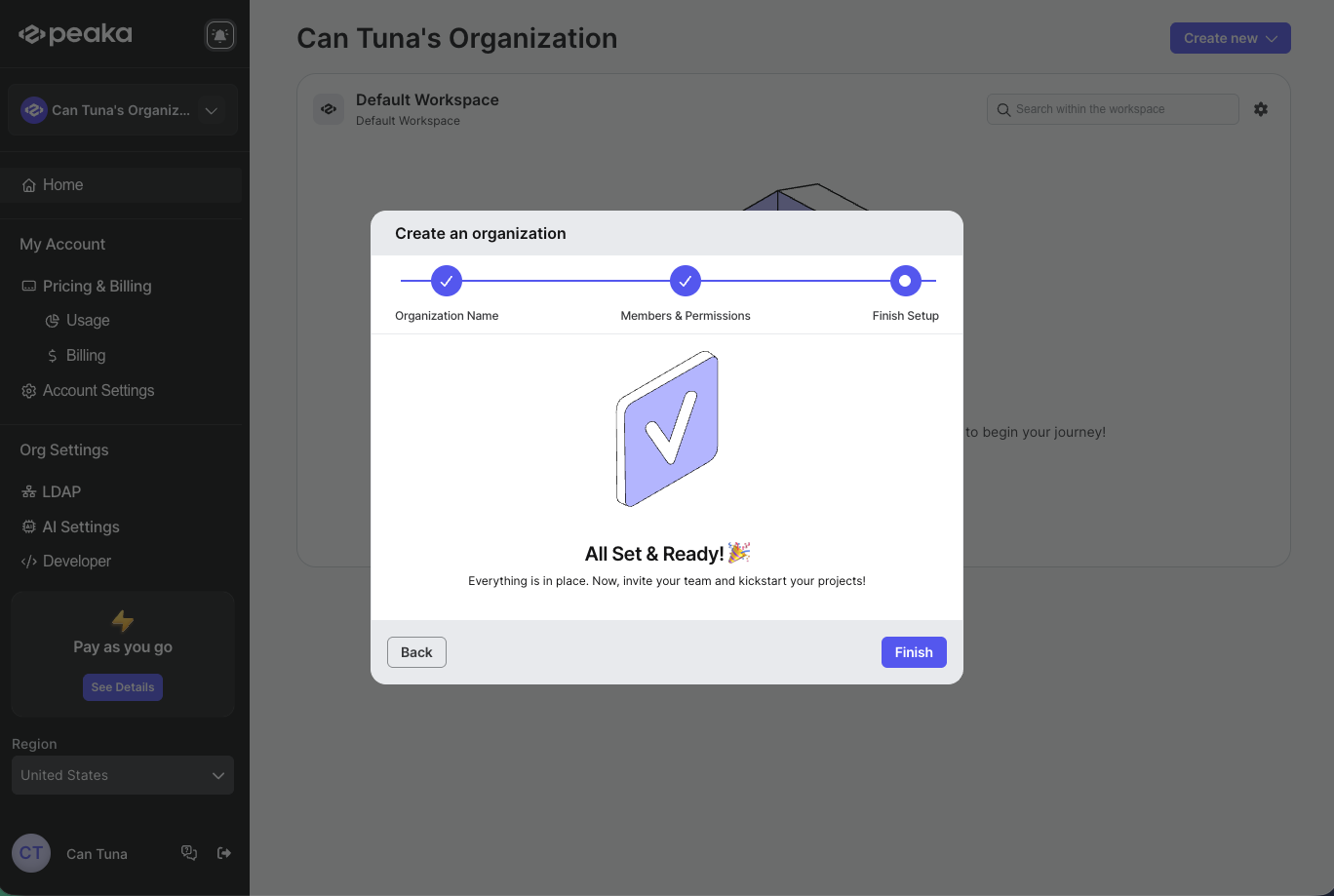
 5. Your organization will be created and click on the "**Finish**" button to go to the organization page.