> ## Documentation Index
> Fetch the complete documentation index at: https://docs.peaka.com/llms.txt
> Use this file to discover all available pages before exploring further.
# How to clone a project in Peaka
> Get started with Project Operations: Learn how you can clone an existing project in Peaka.
Follow these simple steps to clone an existing project in Peaka:
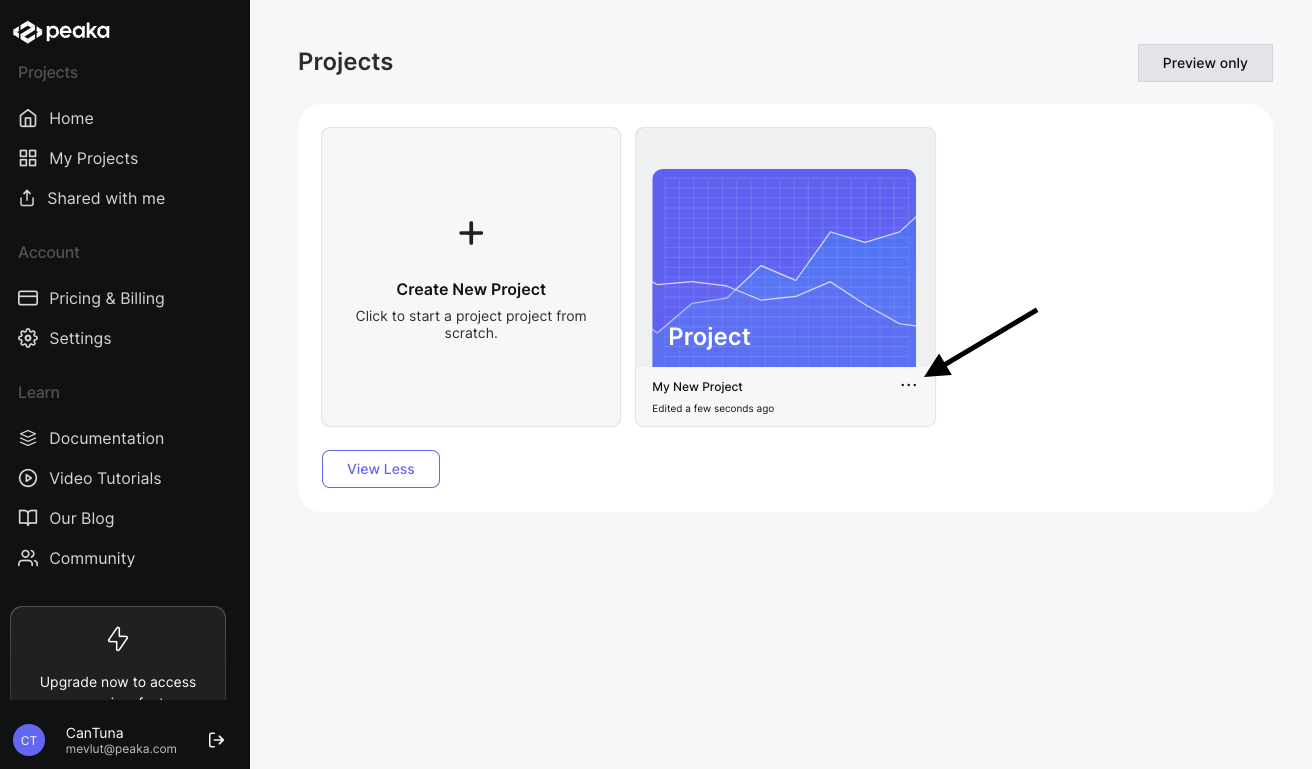
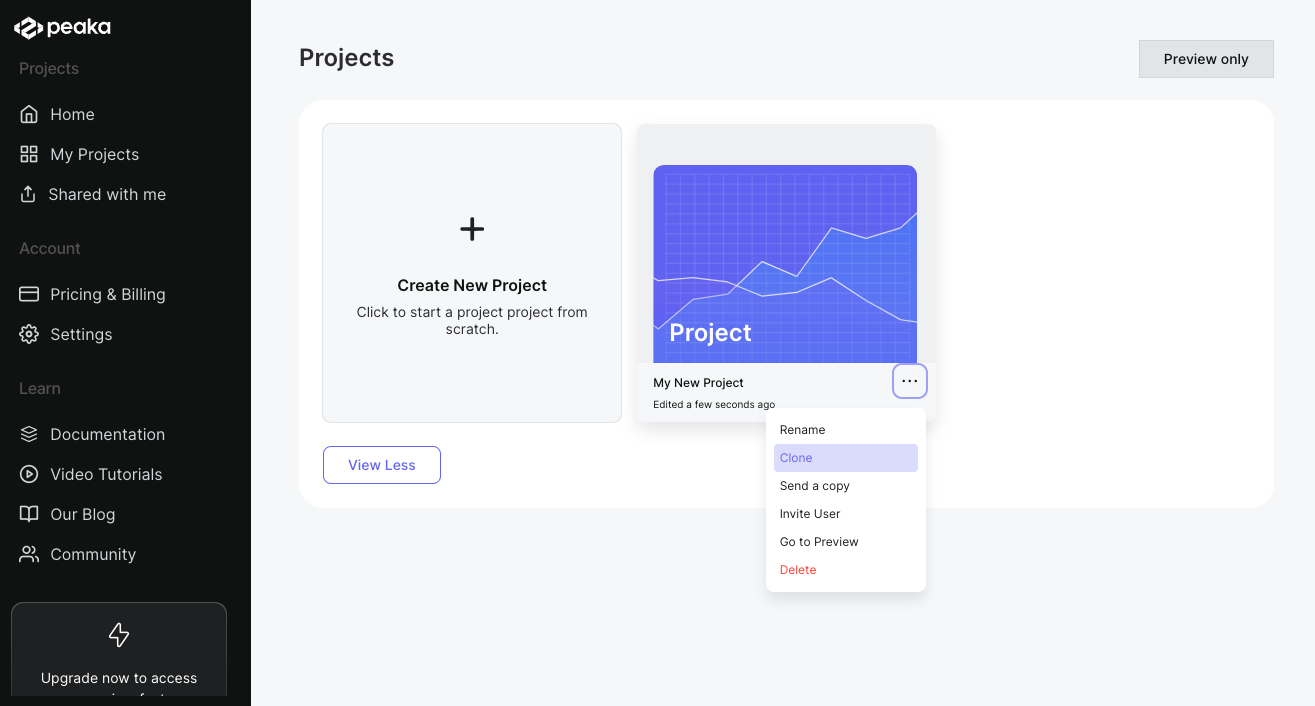
1. Click on the three-dots button (ellipsis icon) associated with the project and click on the "Clone" button.
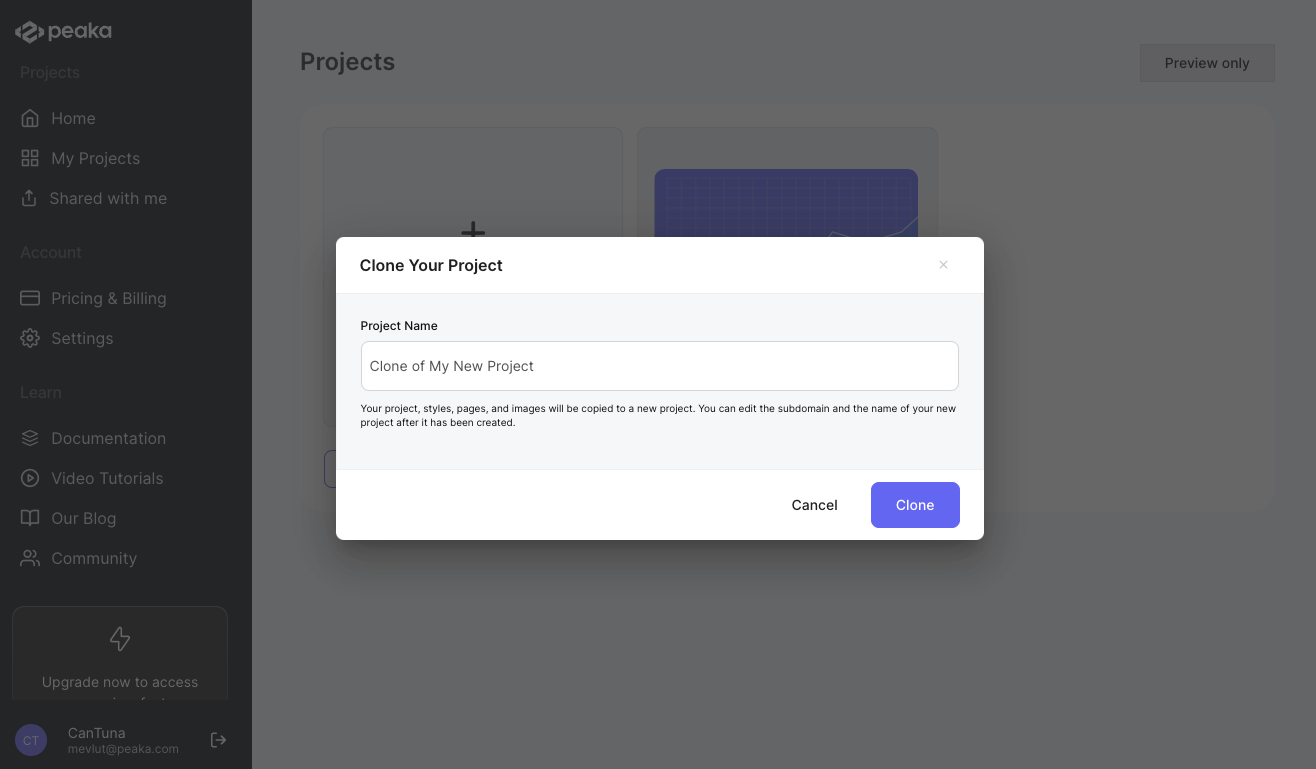
 2. Enter the project name and click on the "Clone" button.
 That's it. The project will be cloned. You can see the cloned project page on the list of projects.