> ## Documentation Index
> Fetch the complete documentation index at: https://docs.peaka.com/llms.txt
> Use this file to discover all available pages before exploring further.
# How to create a project
> Get started with Project Operations: Learn how you can start a new project in Peaka.
Follow these steps to create a project in Peaka:
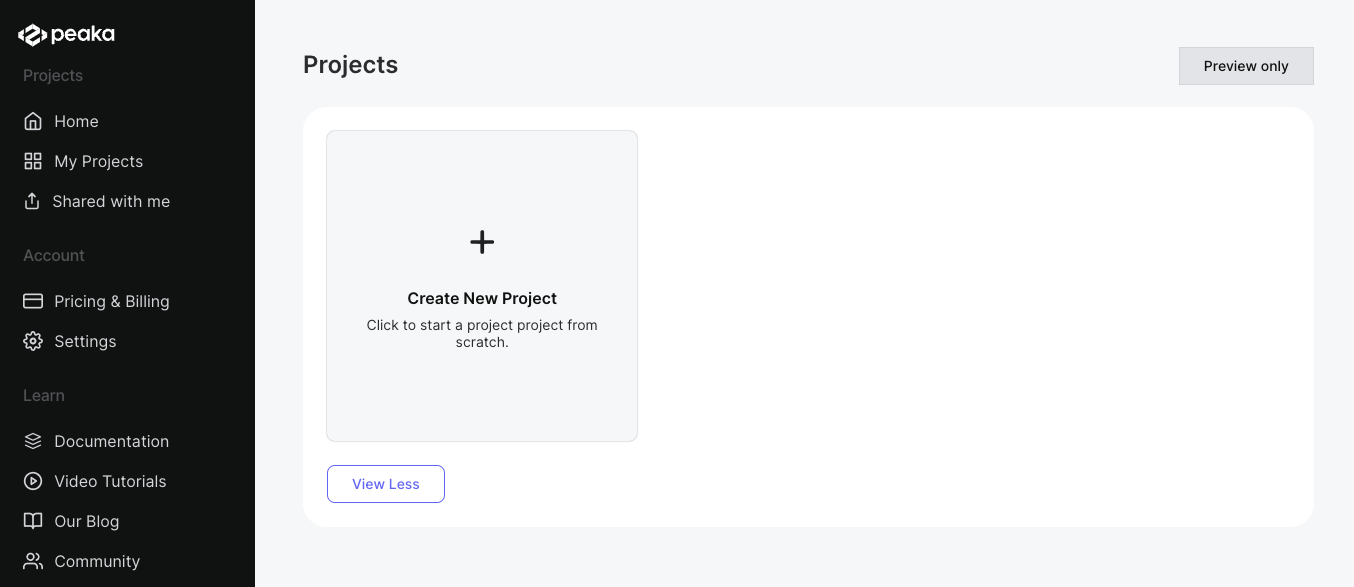
1. Click on the "New Project" button.
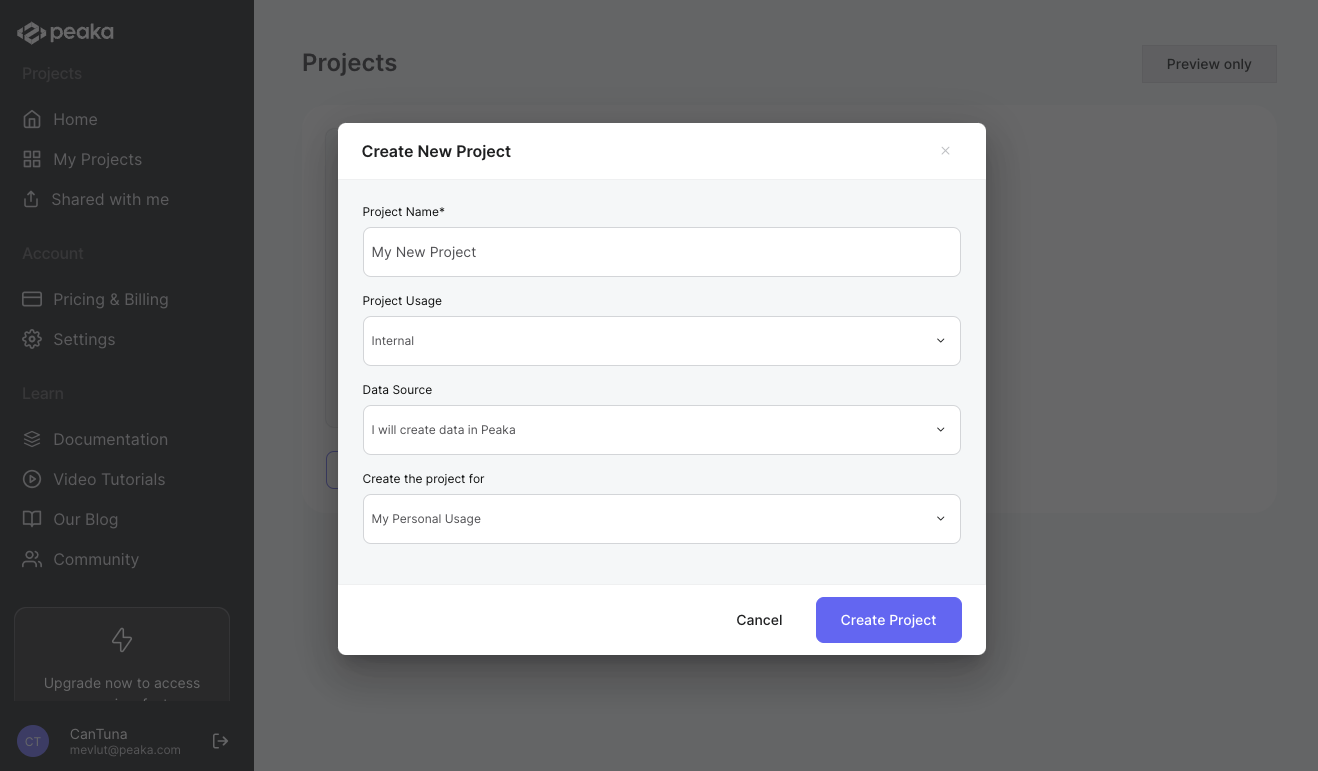
 2. Select workspace, enter the project name, description and click on the "Create Project" button.
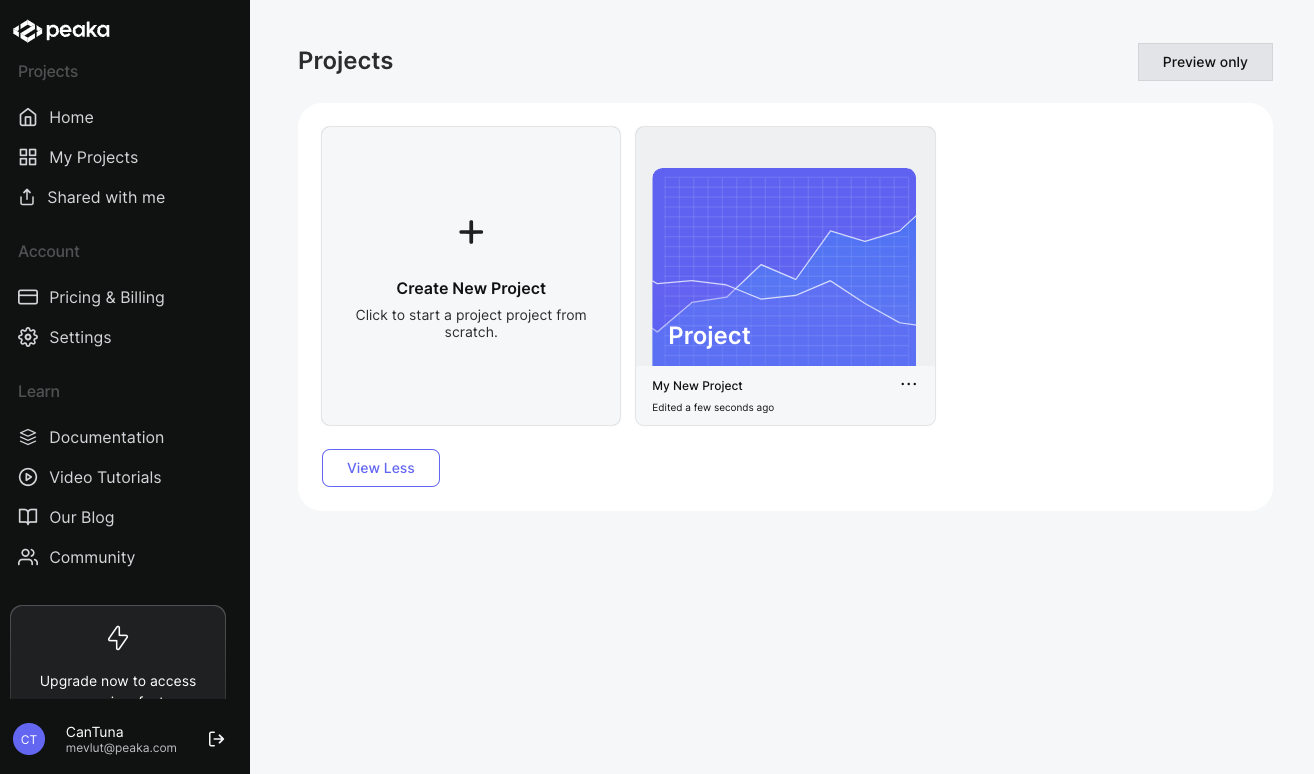
 That's it. The project will be created. You can see the project page on the list of projects.